Become fluent in the
language of your Mac.
Your Mac is full of gestures and shortcuts nobody teaches you. Fluent does, and it also trains your typing, clicks and aim, and checks a used Mac before you buy it.
 LightDark

Privacy
No network access.
Nothing leaves your Mac.
Fluent never connects to the internet. Your results stay on your Mac. The camera and microphone are only used on the Mac Check pages, when you ask, to show a preview and a level meter. Nothing is recorded or sent anywhere. Fluent is also free and open source, so you can read the code to check.
Type
Typing practice
A typing test should tell you what to fix. Fluent finds the keys you're bad at and gives you drills for them.
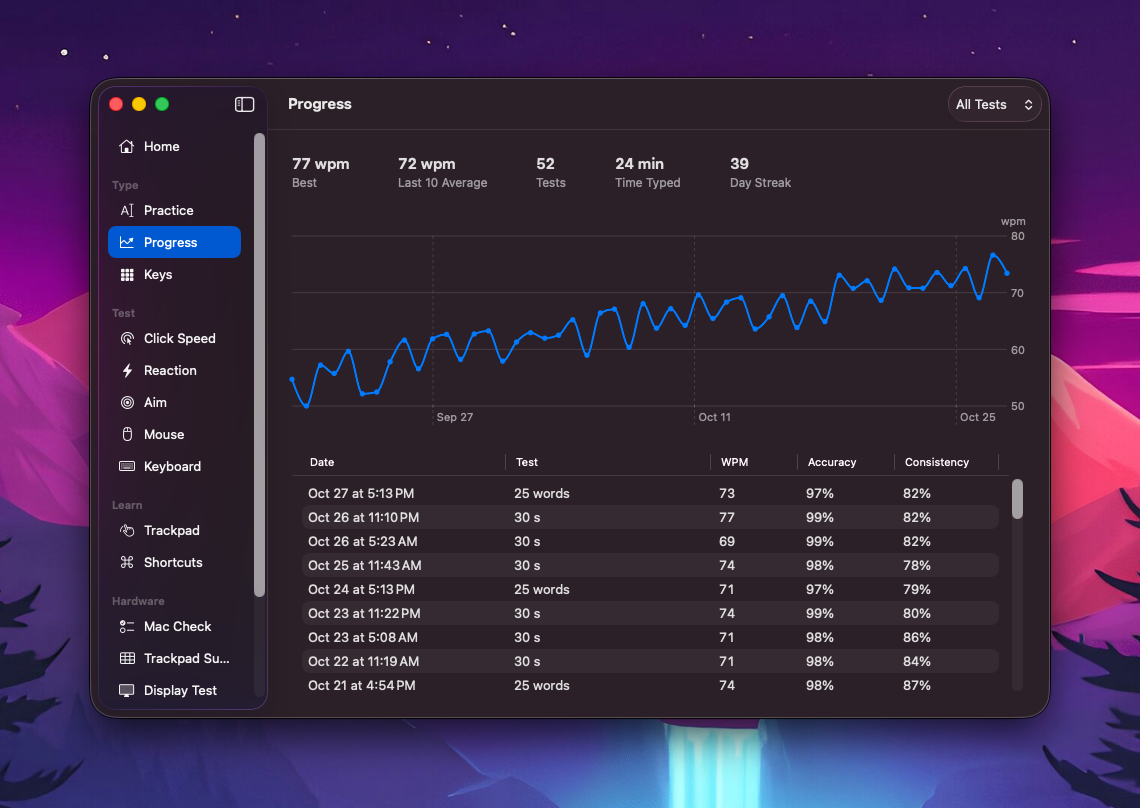
Progress
See your speed and accuracy over time.
Weak keys
Keys you miss or hit slowly get a drill of their own.
Ghost run
Race a ghost of your best run.
Your time
Run a test for as long as you want.
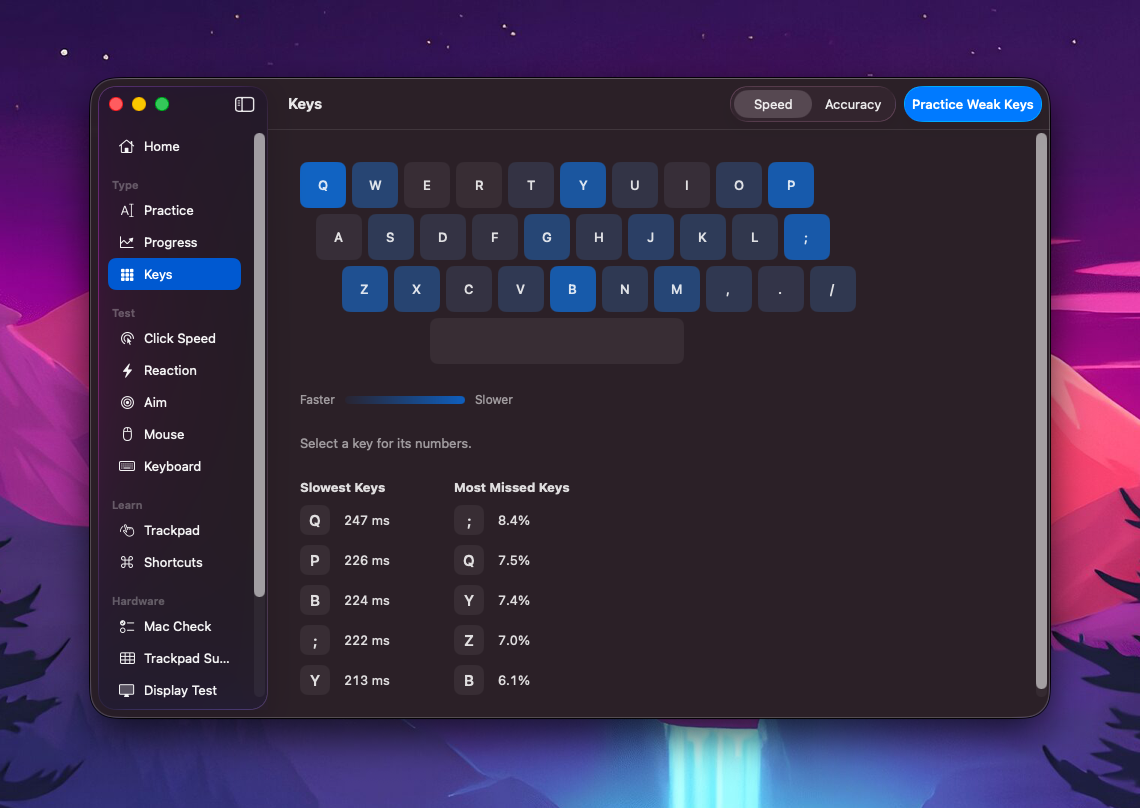
Key map
See which keys are fast and which hold you back.
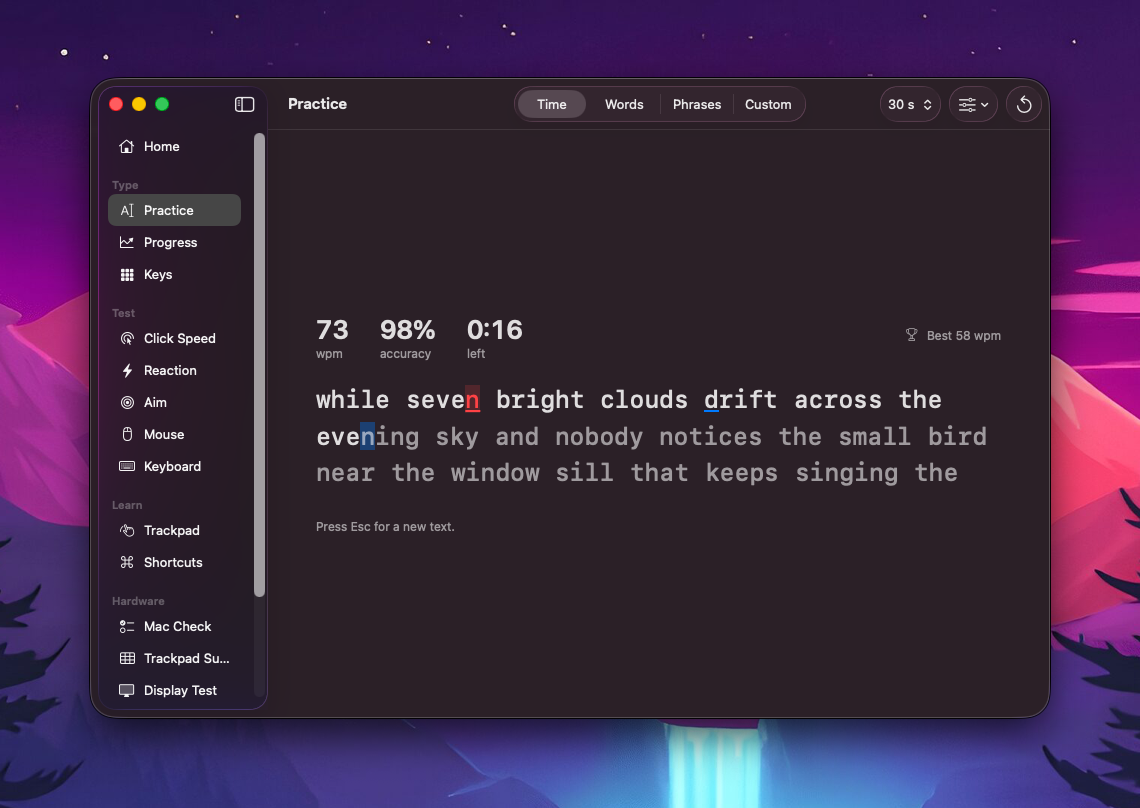
Practice
Time, words, phrases or your own text.
Test
Click, reaction and aim tests
Quick tests for your clicking, reflexes and aim, plus a check for your mouse and keyboard.
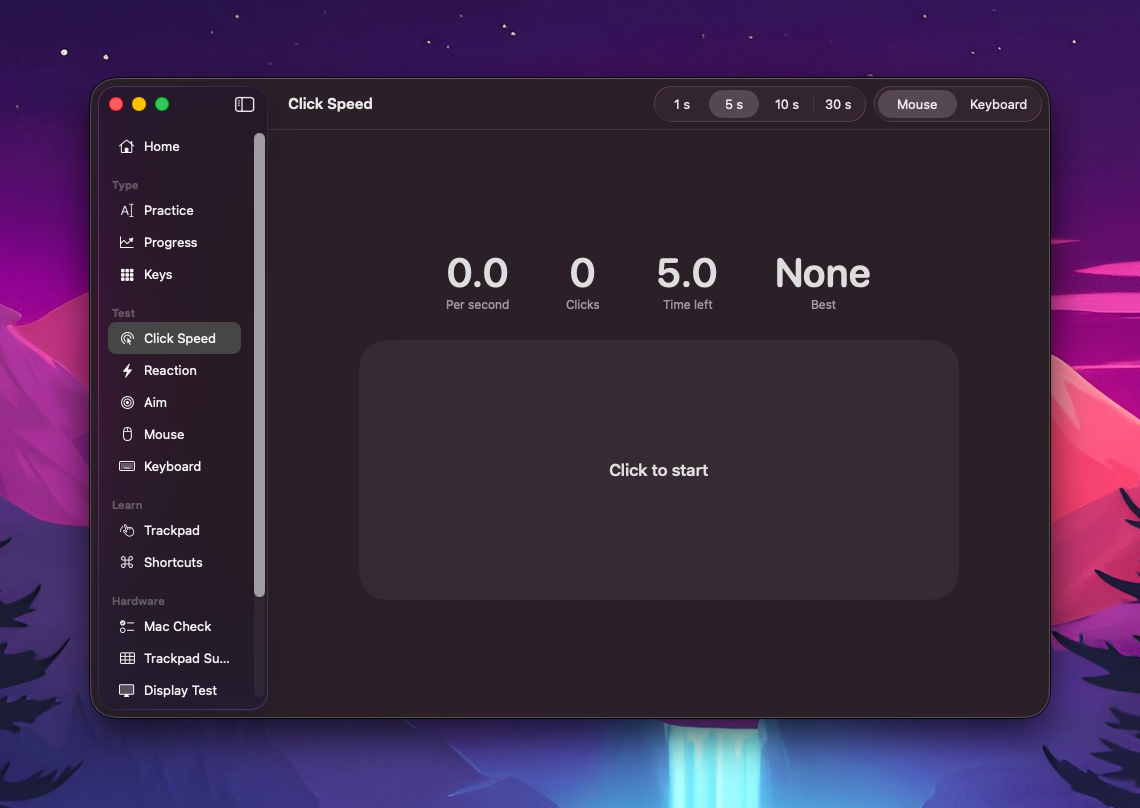
Click speed
How many clicks you can fit into a few seconds.
Reaction
How fast you click when the box turns green.
Aim
How accurately and quickly you hit targets.
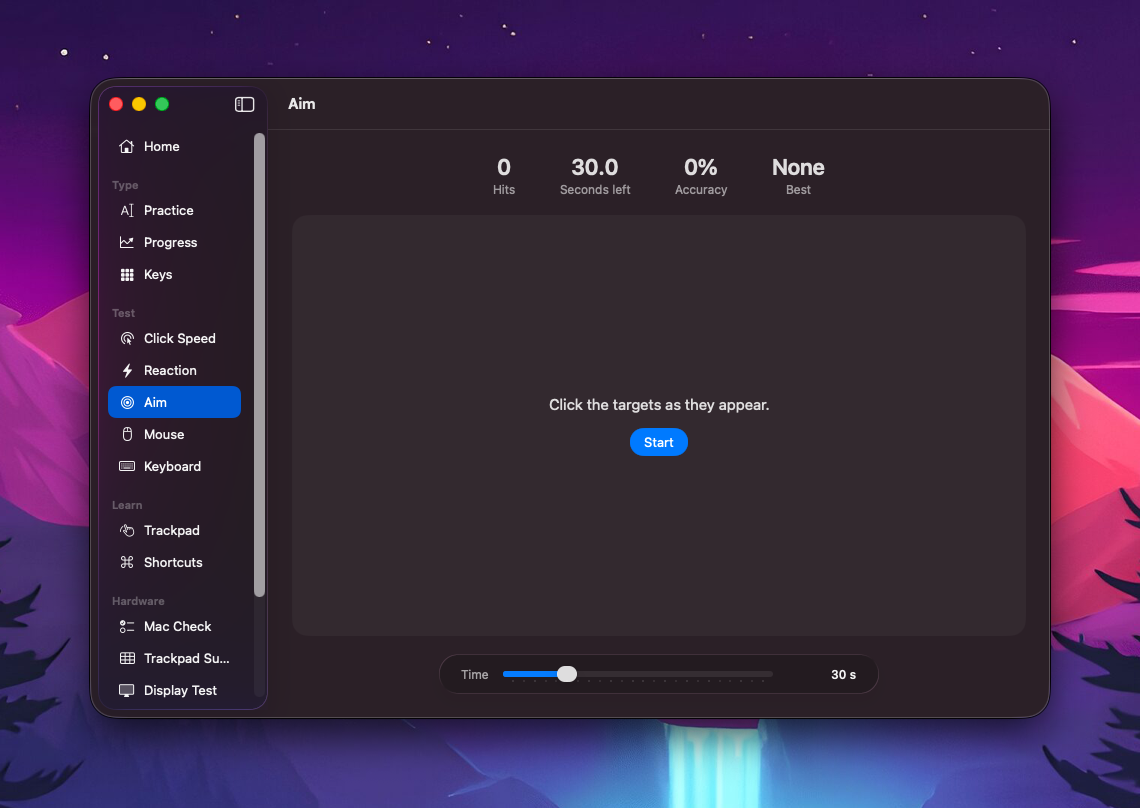
Aim
Pick a length and start.
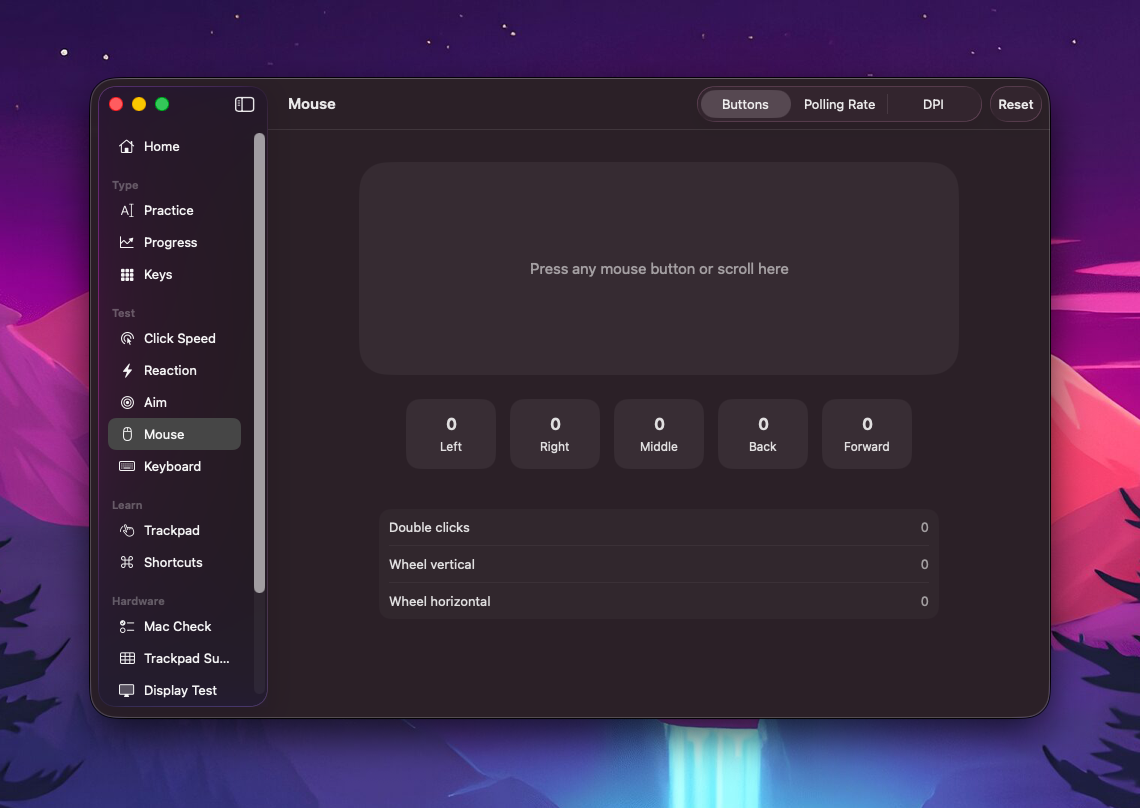
Mouse
Check every button and the scroll wheel.
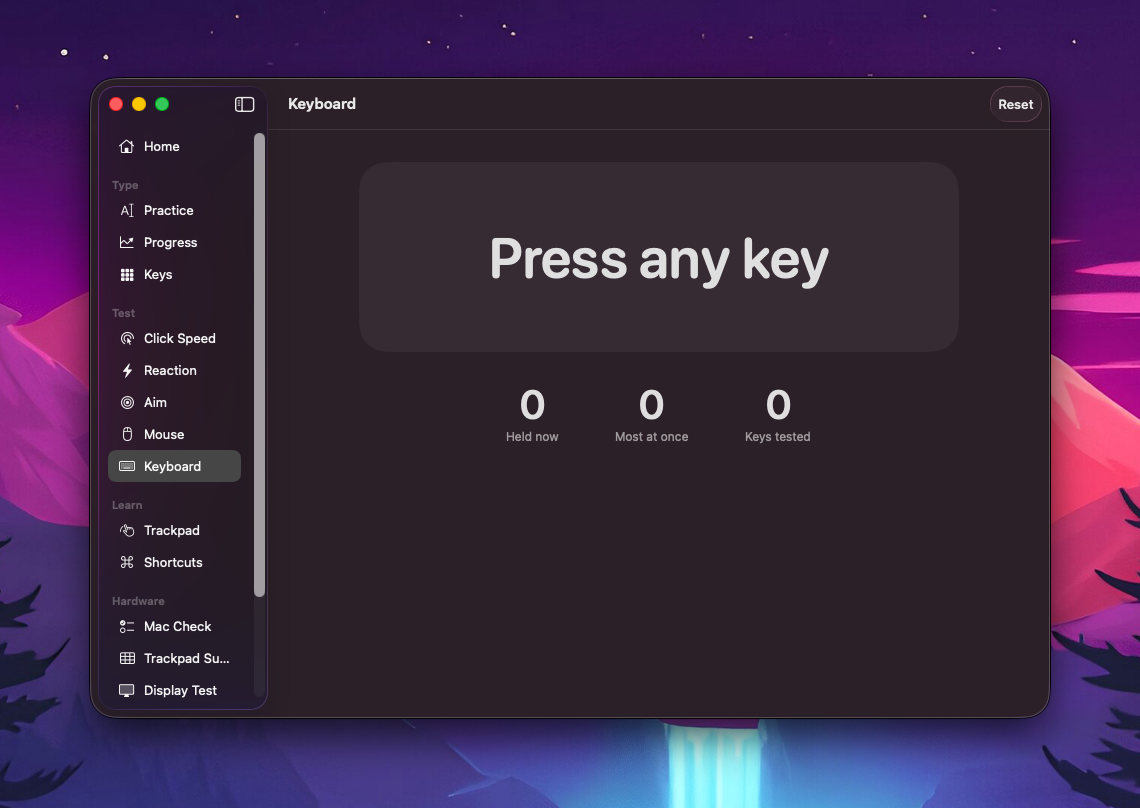
Keyboard
See which keys register and how many at once.
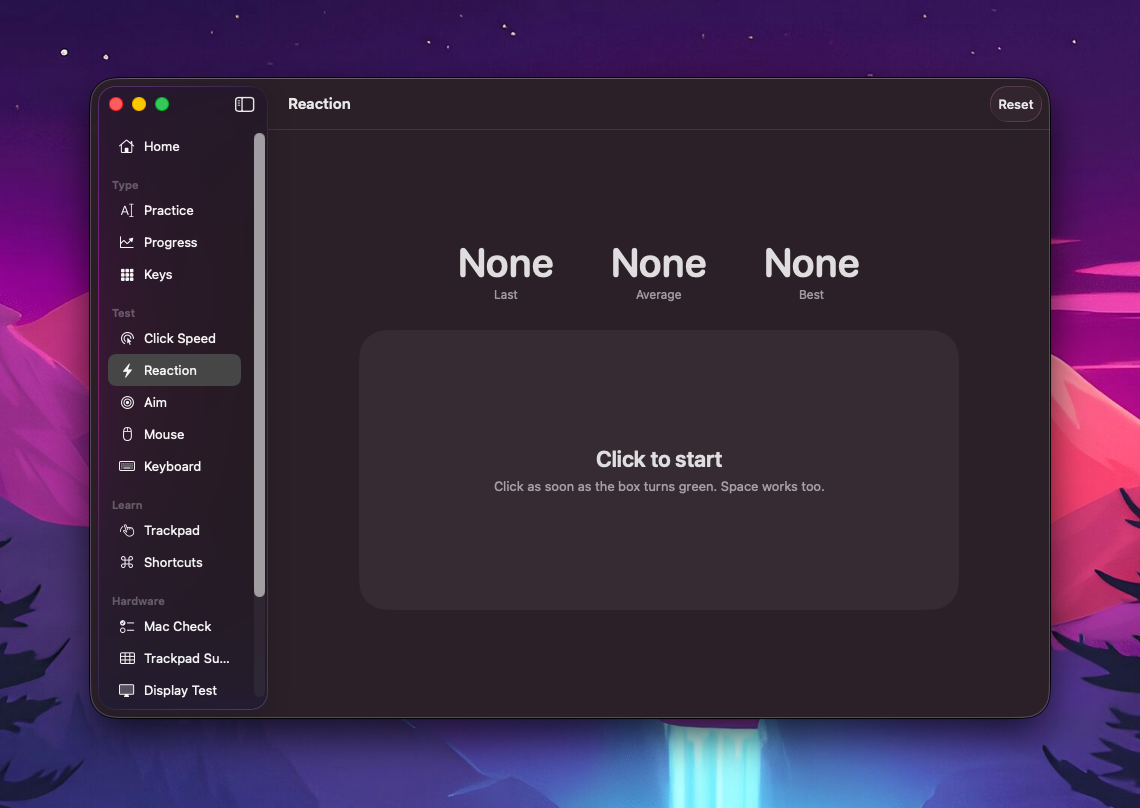
Reaction
Wait for green, then click.
Learn
Learn trackpad gestures and shortcuts
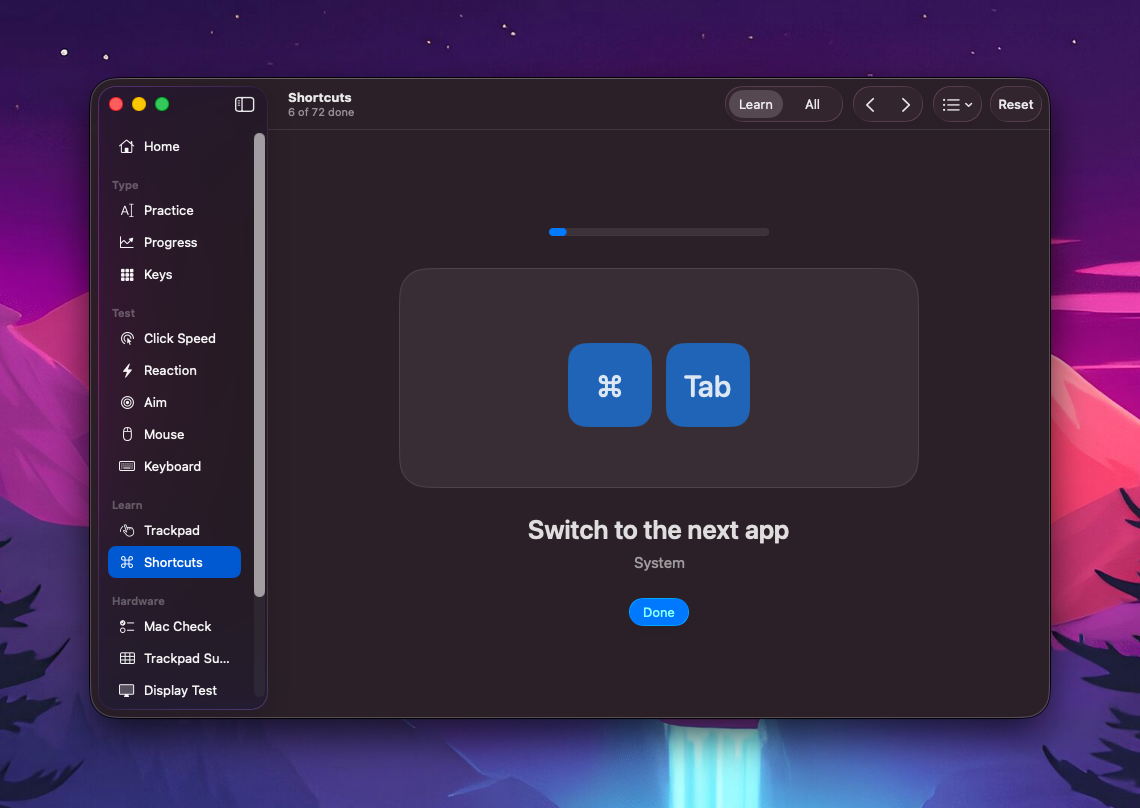
Most Mac users know a handful of gestures. Fluent walks you through the rest, one at a time. You pass a lesson by doing it for real.
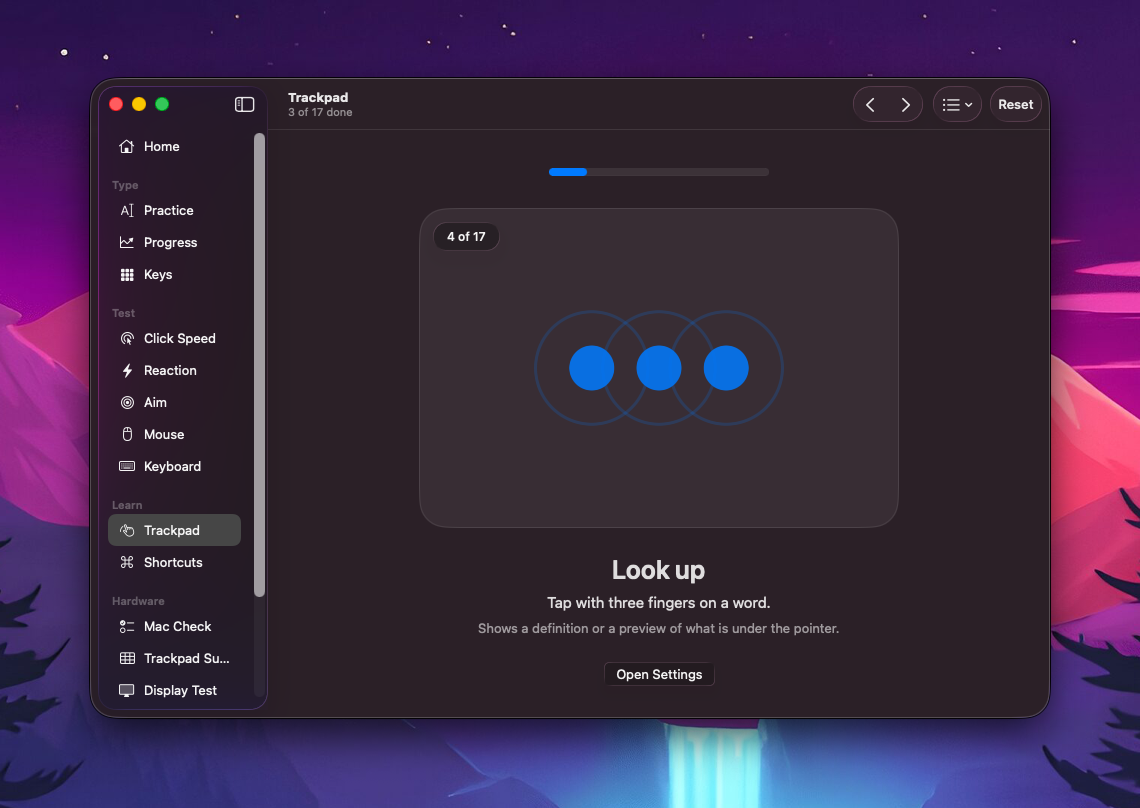
Trackpad
Gestures you probably aren't using yet.
Shortcuts
Shortcuts worth knowing, with a way to practice them.
Used Mac
Checking a used Mac
Buying a used Mac? Run these checks before you pay.
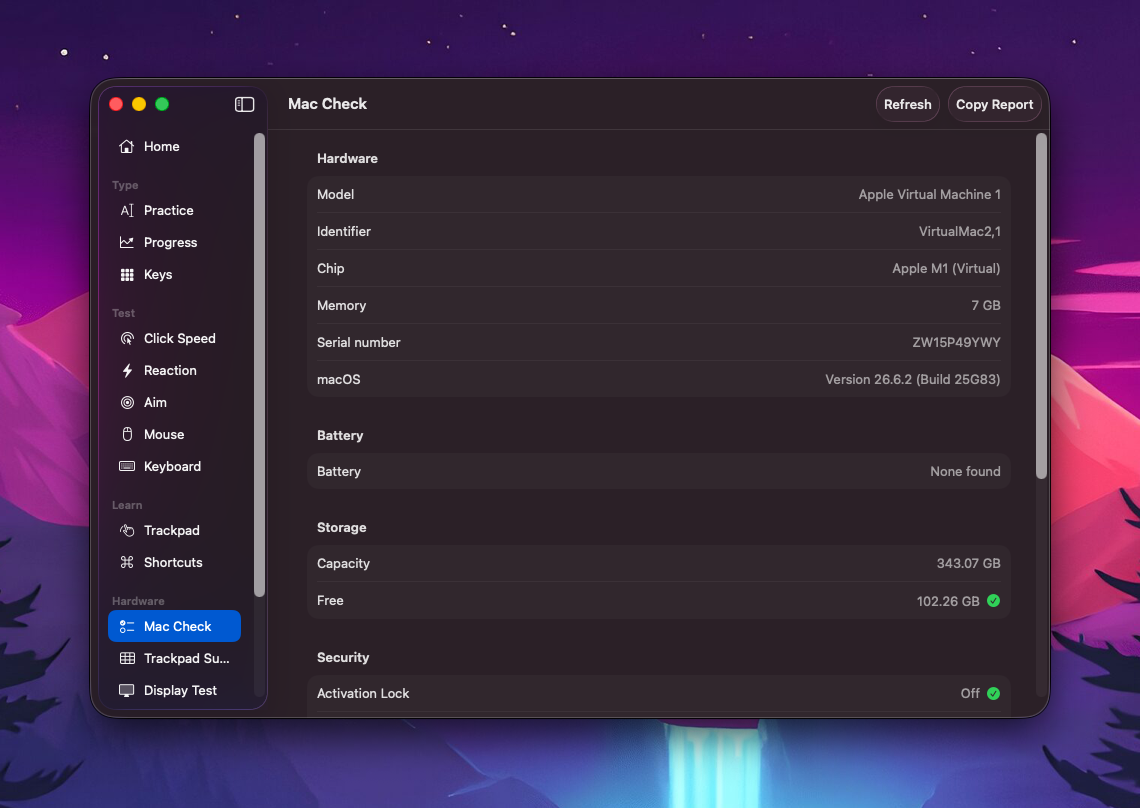
Hardware
Model, chip, memory, battery and storage.
Trackpad
Check that every part of the pad works.
Display
Colors and patterns for finding dead pixels.
Audio and camera
Test the speakers, microphone and camera.
Settings
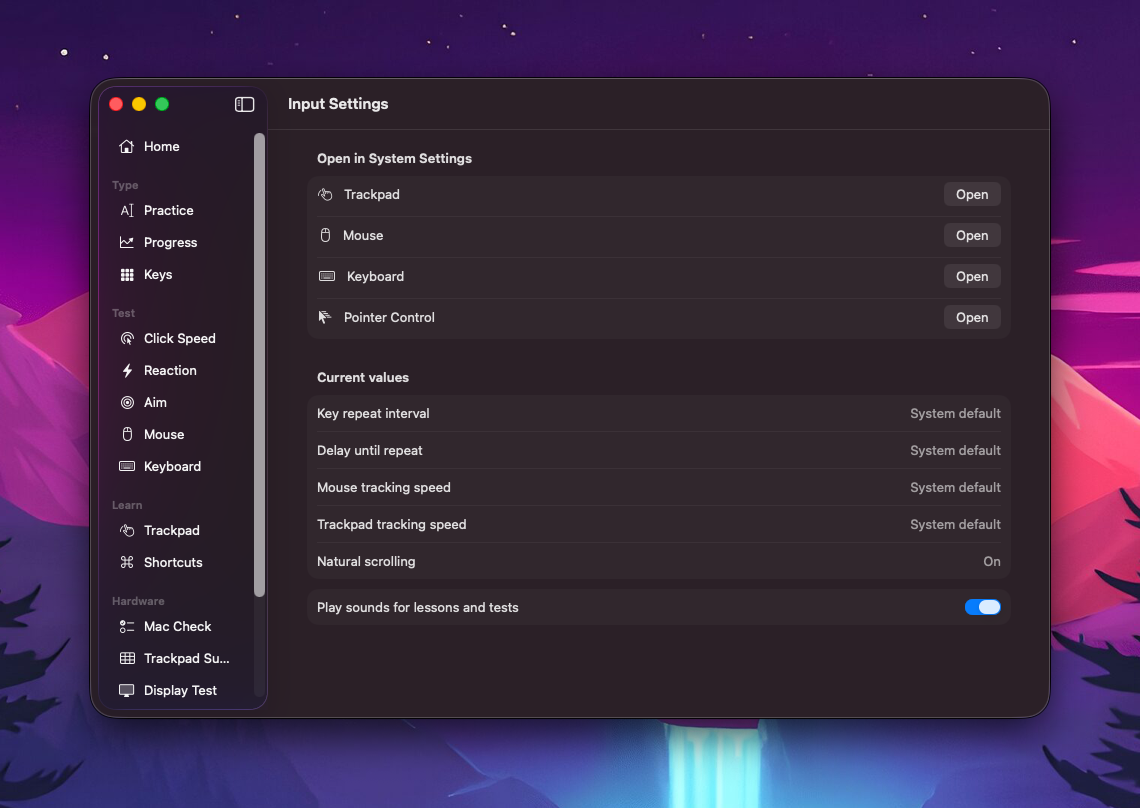
Input settings
Your key repeat, tracking speed and scrolling in one place, with shortcuts to the right System Settings panes.
Download Fluent
Free and open source. You need macOS 26 or later.
- 1
Open the disk image.
- 2
Drag Fluent to Applications.
- 3
Open it. Fluent is not notarized, so macOS may block it. Go to System Settings, Privacy & Security and click Open Anyway.